Brand Guidelines



This page is for designers, media, and partners producing anything with the Collecurate name on it — press materials, co-marketing, social assets, or anything else. It covers our colours, typography, and logo usage rules, plus every logo file in the format you need. For the complete guidelines, download the full PDF, or grab the master Illustrator file with every logo variation.
Colour
Colour palette
Primary
Terracotta
#C98551
Gold
#D4B255
Secondary
Charcoal
#3A3A3A
Brown Mid
#A56634
Brown Deep
#824817
Type
Typography
We use Inter across the entire brand — free from Google Fonts. Semi Bold for headings, Medium for emphasis, Regular for body copy.
Semi Bold · 600
ABCDEFGHIJKLMNOPQRSTUVWXYZ
abcdefghijklmnopqrstuvwxyz
0123456789
Medium · 500
ABCDEFGHIJKLMNOPQRSTUVWXYZ
abcdefghijklmnopqrstuvwxyz
0123456789
Regular · 400
ABCDEFGHIJKLMNOPQRSTUVWXYZ
abcdefghijklmnopqrstuvwxyz
0123456789
Logo
Using the logo

Icon
Vertical form
Horizontal form
Which version on which background
On light

On terracotta

On dark
Clear space
Always give the logo room to breathe. Keep other text, images, and edges clear of its safe area — roughly the height of the icon mark on every side — so it never feels crowded.
Icon usage
The icon alone works well as a standalone mark — app icons, favicons, and social avatars. It's supplied uncropped; apply your own rounded-square or circular mask as needed.
Don't
Downloads
Grab the files
Every logo variant, ready to drop into your layout — pick the form, colourway, and background that fits.

Vertical (tall)
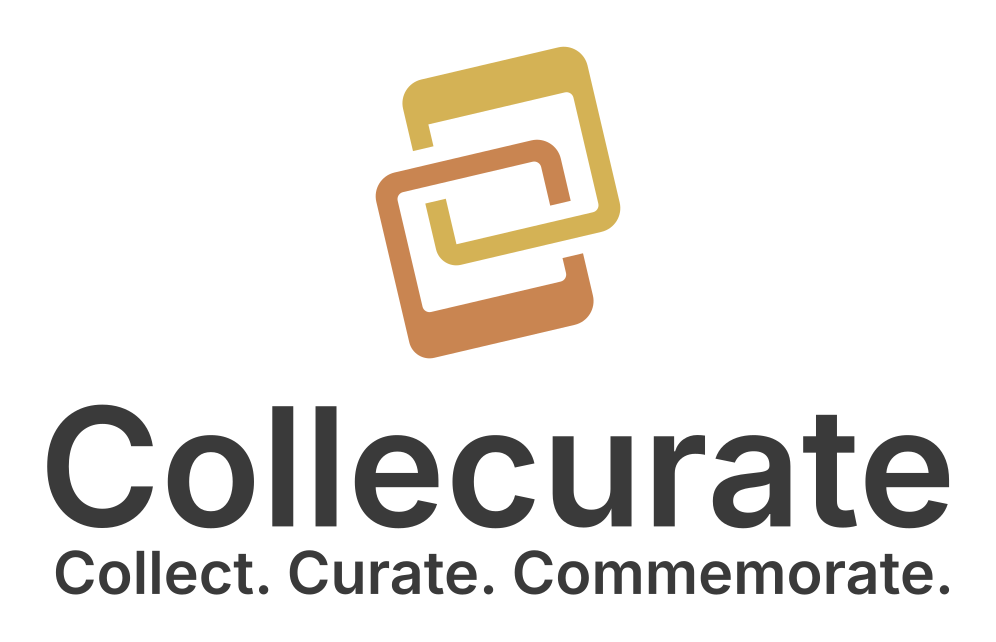
Icon stacked above the wordmark — for square or portrait spaces.